Skip to content

Website Industries

Website Industries

Add a WordPress Site to Hostinger

May 9, 2025

We write how to build a WordPress site on Hostinger.

Table of Contents

Toggle
  • Log in to Hostinger
  • Install WordPress on Hostinger’s Server

Log in to Hostinger

First, you login to Hostinger Account.

Install WordPress on Hostinger’s Server

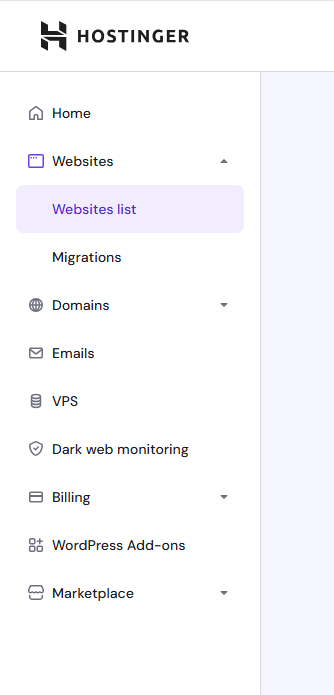
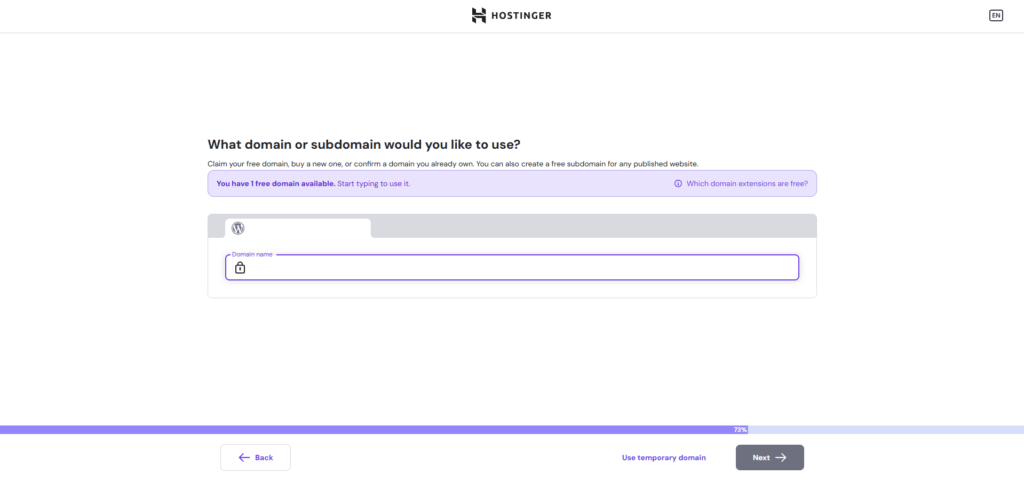
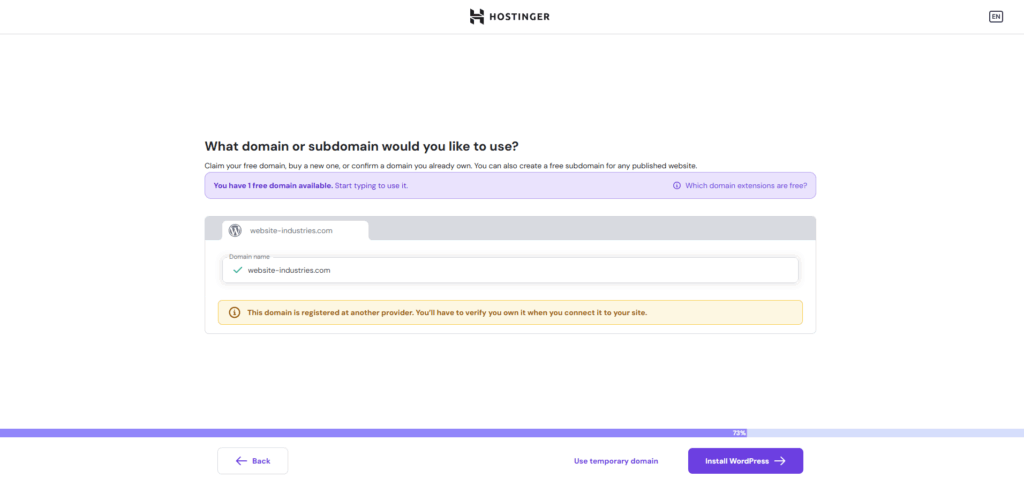
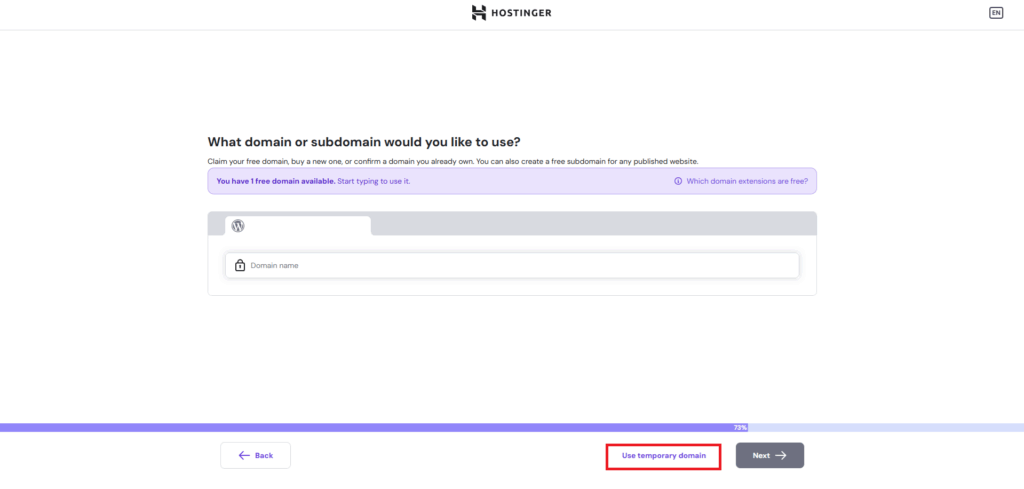
Go to Websites > Websites list.

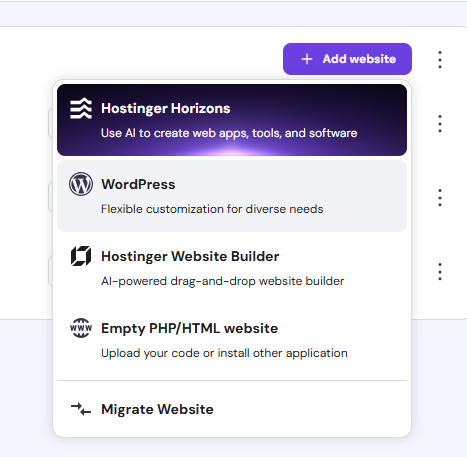
Click “Add website” button.

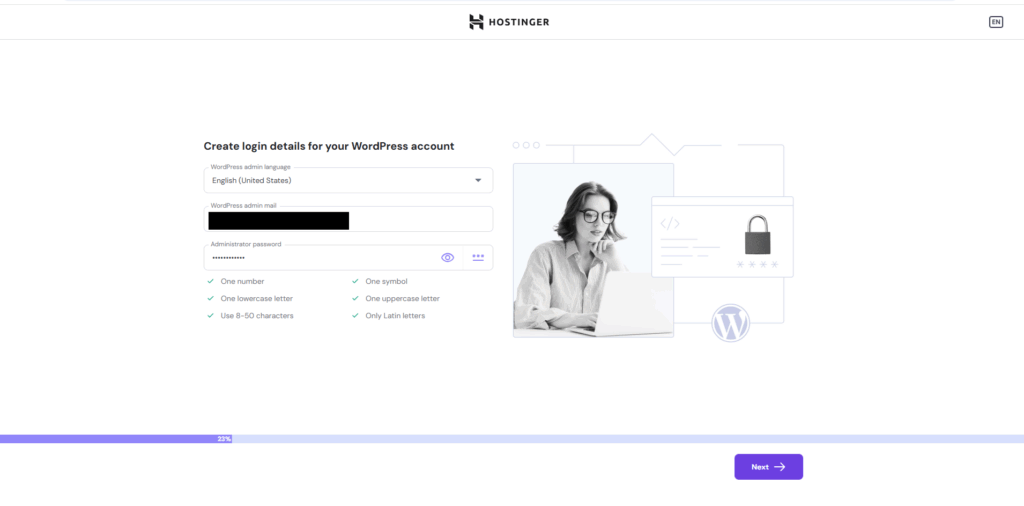
Click WordPress.

Categories Hosting Services, Hostinger
Introduction of this site
How to use Elementor

Start WordPress

WordPress is the world's most widely used website creation and management tool. You can create and manage your website with WordPress by signing up for a rental server and domain for just a few dollars a month.

Start a blog with WordPress

Start WordPress with Kinsta

Kinsta (Hosting Service using Google Cloud) is the best solution to optimize your WordPress site for Search Engines.

Build a WordPress site with Kinsta

SEO Contents

By optimizing your WordPress site for Search Engines, you can increase the number of visitors to your site.

Our website provides the contents about SEO.

How to Optimize Your WordPress Site for Search Engines
© 2025 Website Industries .
  • Search Posts
    • All Posts
  • Site Management
    • WordPress
    • SEO
    • Hosting
    • Domain Registrar
    • Cloud
    • Technological Contents
  • Apps / Games
  • Business
    • Office Space
      • Coworking Space
      • Virtual Office
    • Marketing
      • YouTube
    • Gadgets for Business Person
    • Business Tools
  • Engineer
    • IT Certification
  • Gadget
  • About