Here is a review of Hostinger, based on my experience using it to host my WordPress site.
The Reason We Use Hostinger
The reason Why we decided Hostinger to host WordPress Web Site is below:
- It is possible to use WooCommerce
- Easy to use UI to manage WordPress
- Reasonable Price to host WordPress
Hostinger’s Prices are Reasonable
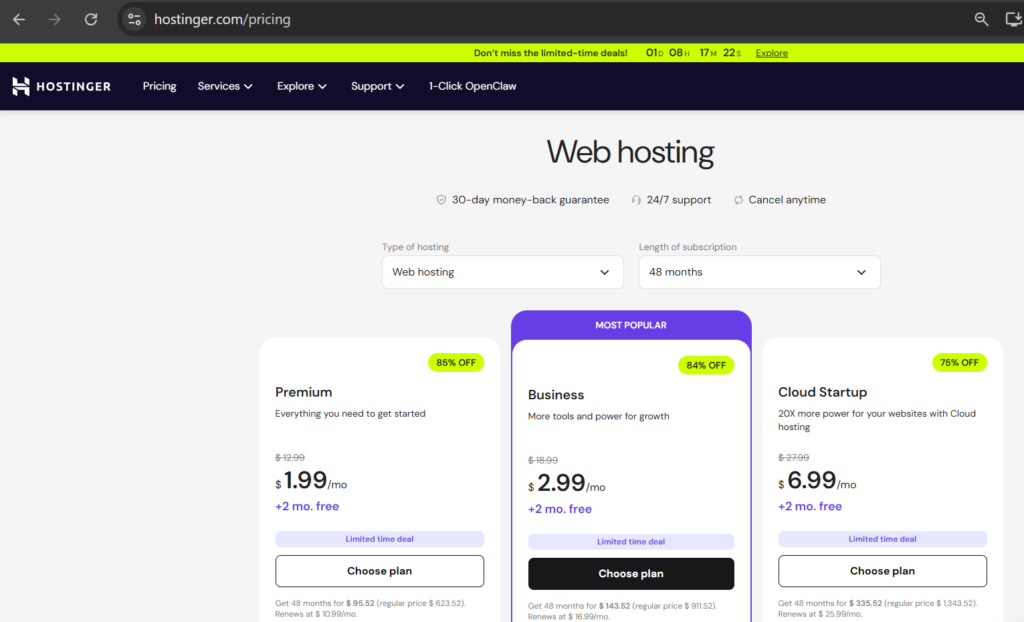
https://www.hostinger.com/pricing
The prices are reasonable for the services offered in each plan.
We signed up for the Business Plan
We signed up for the Business Plan because it supports up to 100GB of site storage.
Business Plan Features
The business plan includes the following features:
- 50 websites
- Managed hosting for WordPress
- ~100 000 visits monthly
- 50 GB NVMe storage
- 600 000 files and directories (inodes)
- Free pre-built templates
- Free automatic website migration
- Unlimited free SSL
- 100 mailboxes – free for 1 year
- Daily and on-demand backups
- WordPress vulnerabilities scanner
- Smart WordPress auto updates
- Advanced WordPress acceleration
- Unlimited bandwidth
- Free domain (US$ 9.99 value)
- Free CDN
- WordPress AI tools
- WordPress staging tool
- Dedicated IP address
- Priority support
We chose this plan because we plan to manage multiple sites. It allows you to create more sites than the premium plan, so we have more room to maneuver.
Managable UI
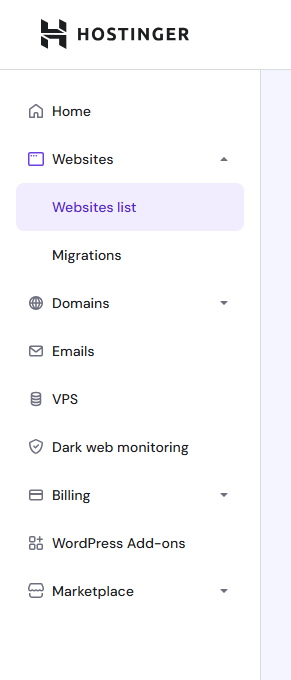
In the Hostinger admin page, you can view a list of all your installed WordPress sites.
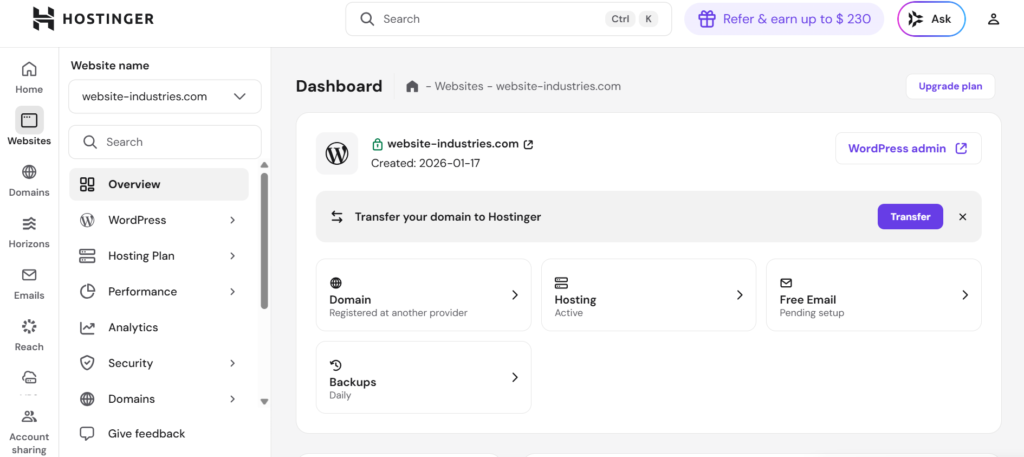
By opening the dashboard, you can make detailed settings for your installed WordPress site.
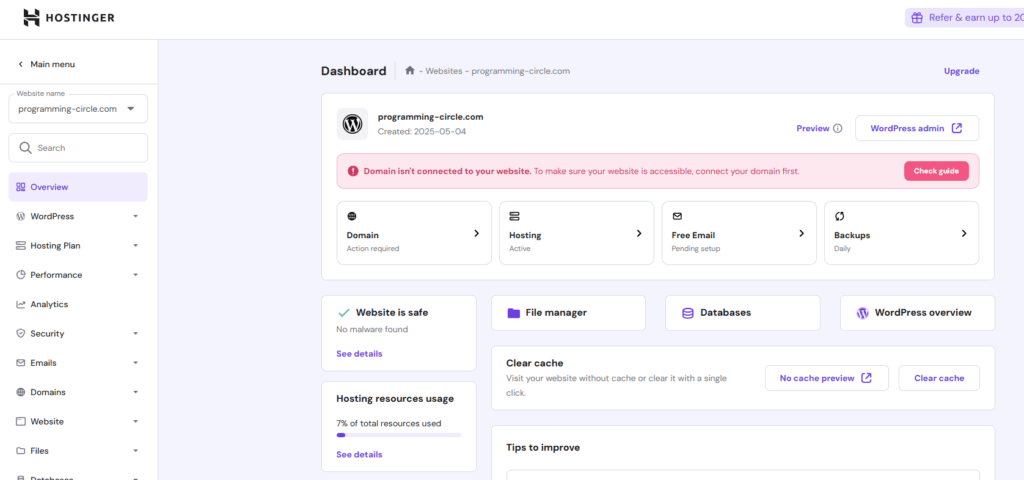
Of course, you can also log in to your WordPress site’s admin panel and manage your WordPress site from the Hostinger dashboard.
To log into your WordPress site’s dashboard from your Hostinger WordPress site administration screen, click on the WordPress admin button.

Usage Hostinger’s UI
After you login to Hostinger Account, you can see the menu below:
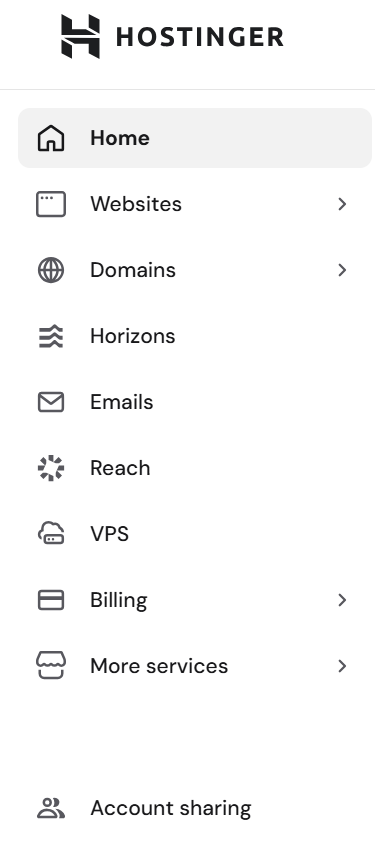
Click websites, you can easily manage WordPress website installed on Hostinger.
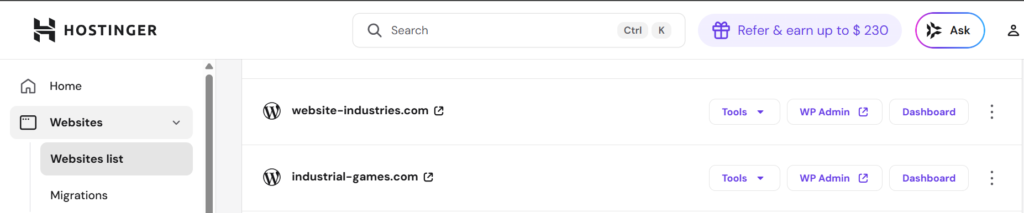
Click Dashboard, you can see how to manage WordPress Website.
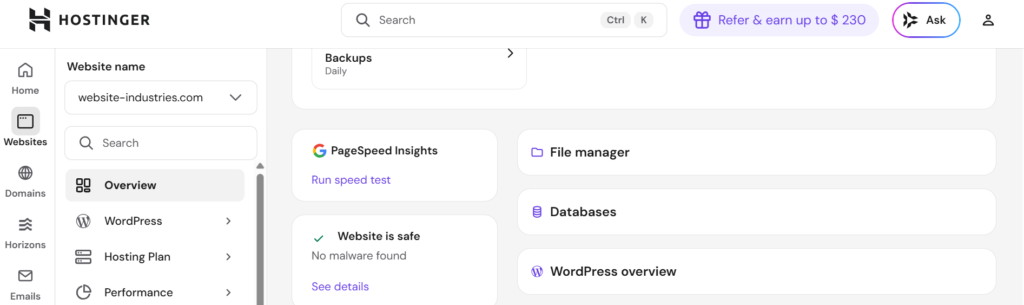
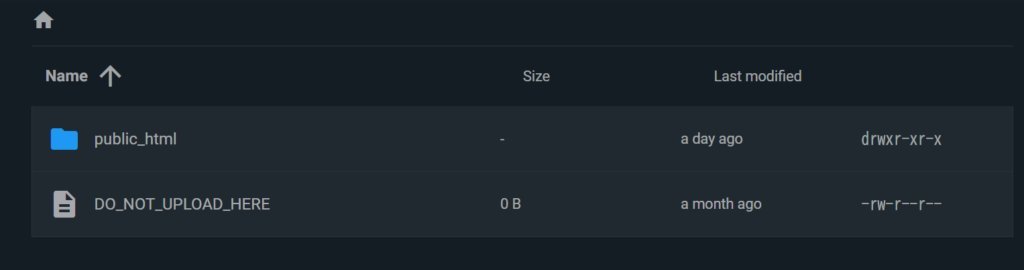
Click File manager, you can see WordPress site files.
Domain Management
On Hostinger, you can register Original Domains.
On Hostinger, You can use the registered domains on Hostinger for WordPress hosting and E-mail.
Easy WordPress Install on Hostiger

You can easily install WordPress by specifying the domain.
You can install WordPress even if you don’t have your own domain.
Easy to Migrate WordPress from Other Hosting Services
We were able to easily migrate my WordPress site from another hosting service to Hostinger.
If you’re unhappy with your current hosting service and want to move to Hostinger, you can easily migrate your WordPress site to Hostinger.
Setup E-mail on Hostinger
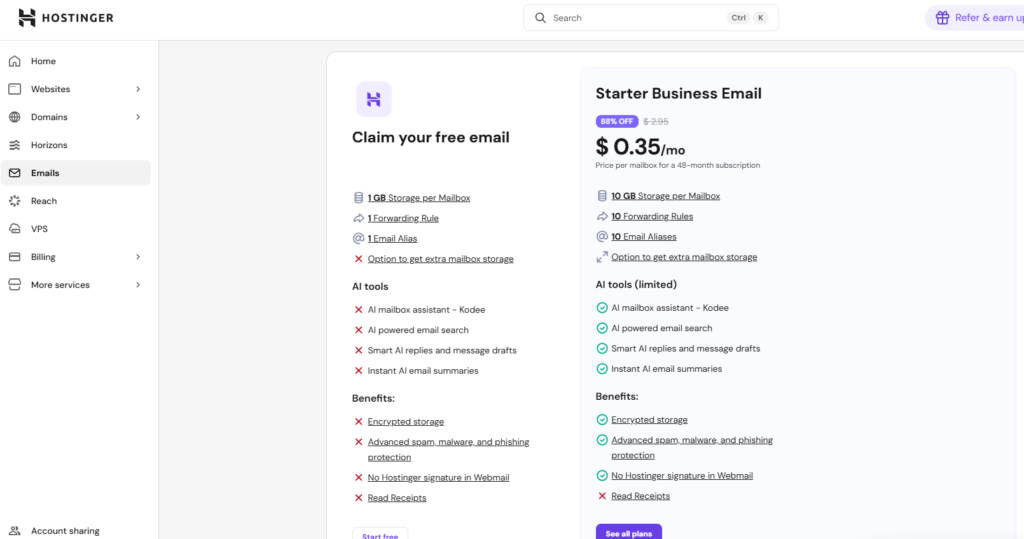
With the business plan you can set up email.
You can use e-mail services with free, but the functions are limited.
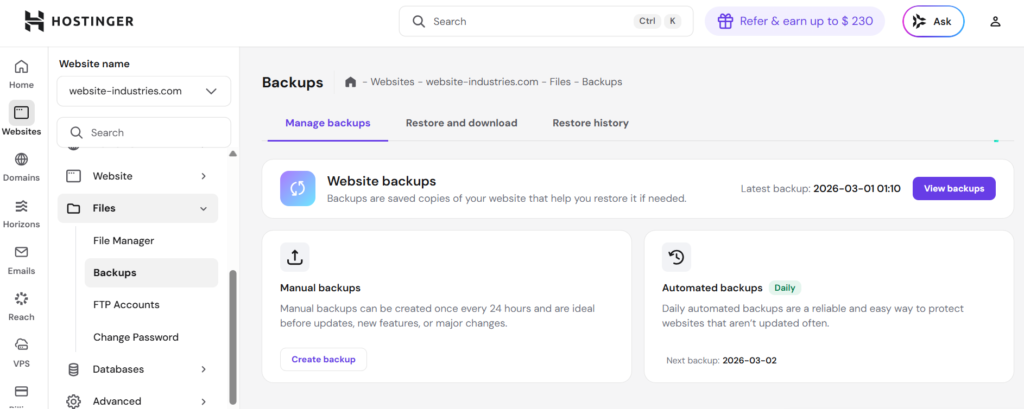
Get Backups automatically by default
You can get a backup from your Hostinger admin page.
On Hostinger, backups are automatically saved every day by default.