
In this article, we have summarized how to install Google Site Kit on WordPress and link WordPress with Google tools.
For more information about Google Site Kit, you can refer to the official Google Site Kit website below.
https://sitekit.withgoogle.com
Install Google Site Kit into WordPress
Log in to your WordPress dashboard and install the plugin shown in the image below from Plugins > Add Plugins.
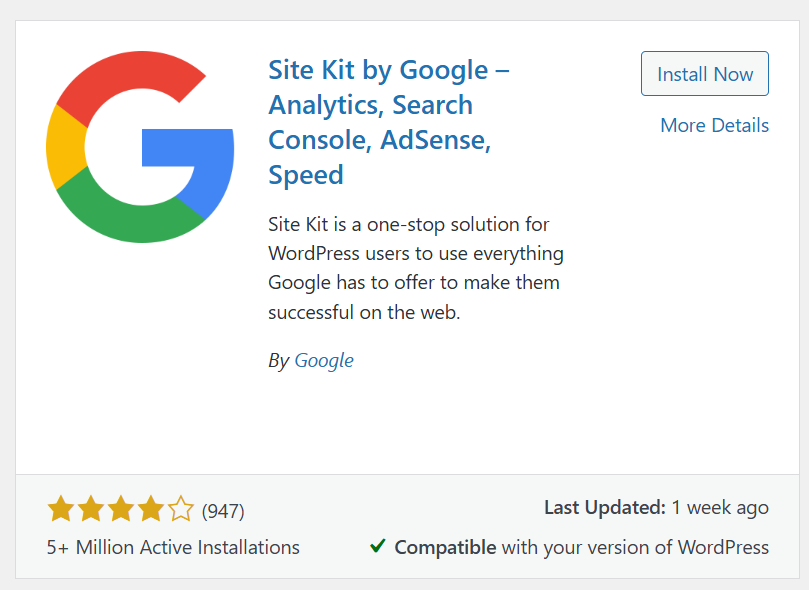
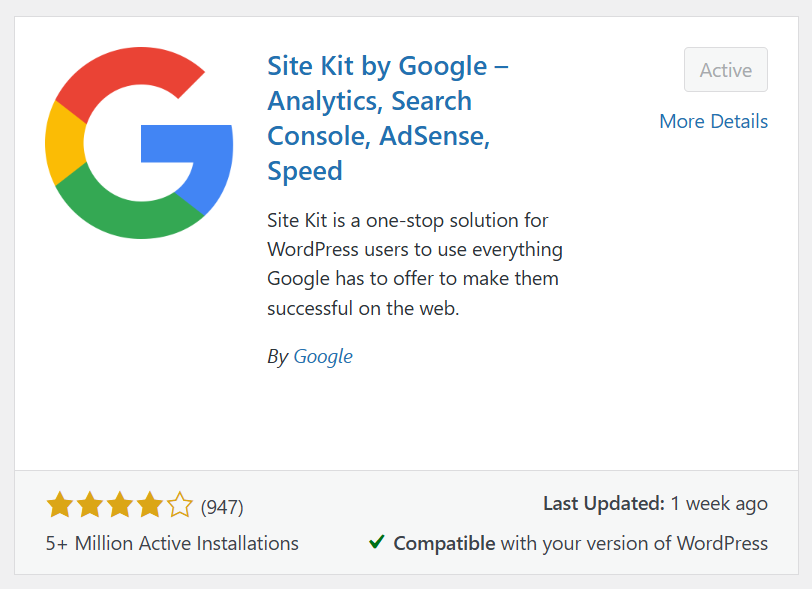
Once the installation is complete, click the Activate button to activate the plugin.
What you can do with Google Site Kit
Google Site Kit supports the following:
- Linking your WordPress site to Google Analytics
- Linking your WordPress site to Google Search Console
- Linking your WordPress site to Other Google Tools
Setup Google Site Kit
Setup Google Site Kit on WordPress.
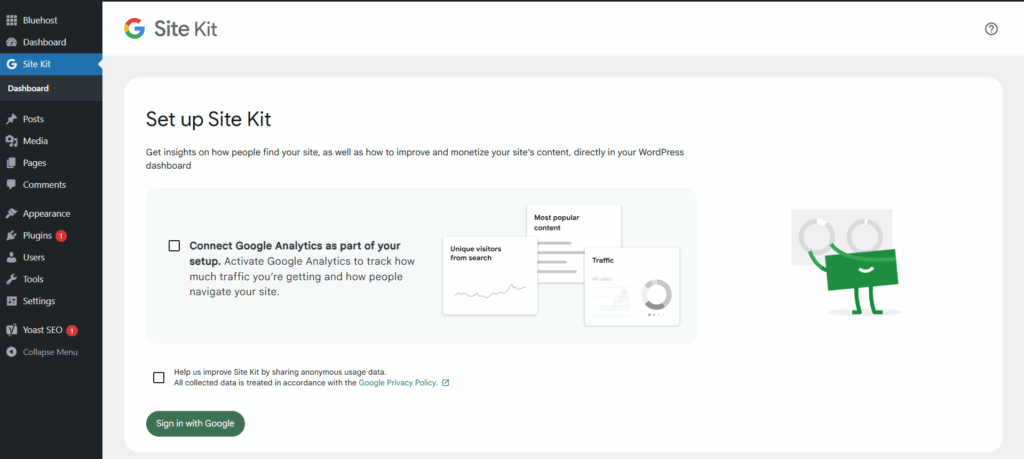
Check “Connect Google Analytics as part of your setup” to Connect WordPress site to Google Analytics.
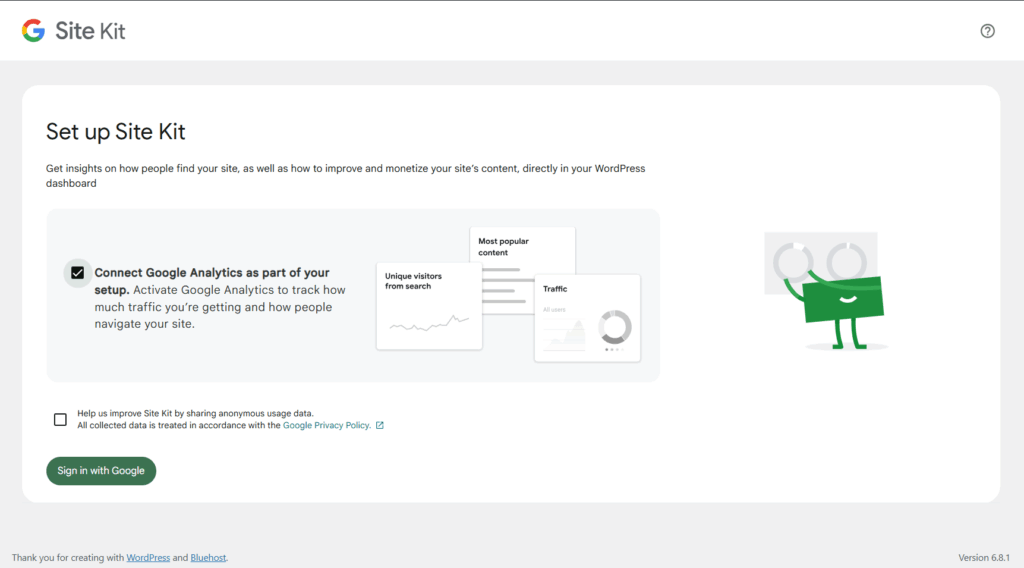
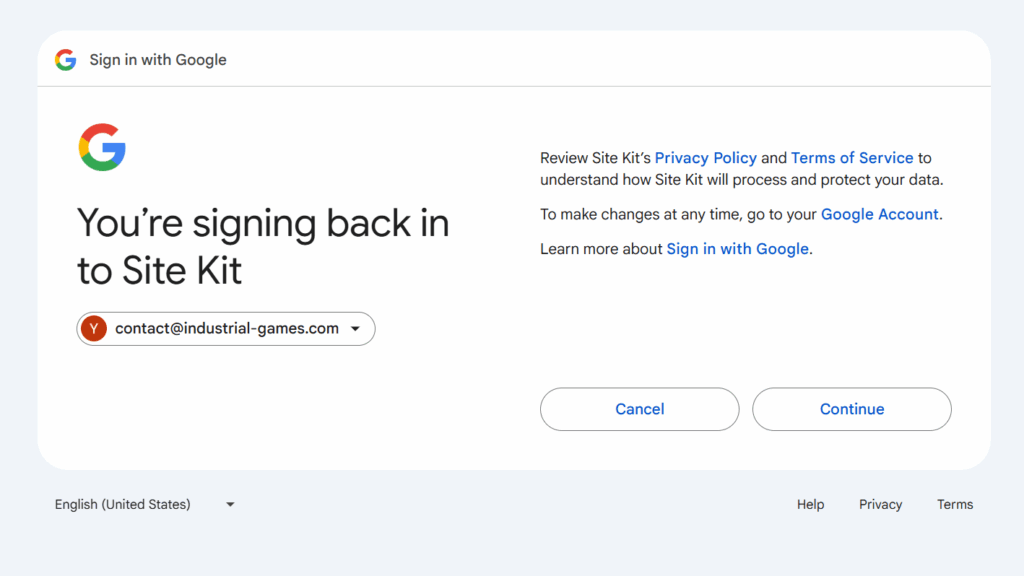
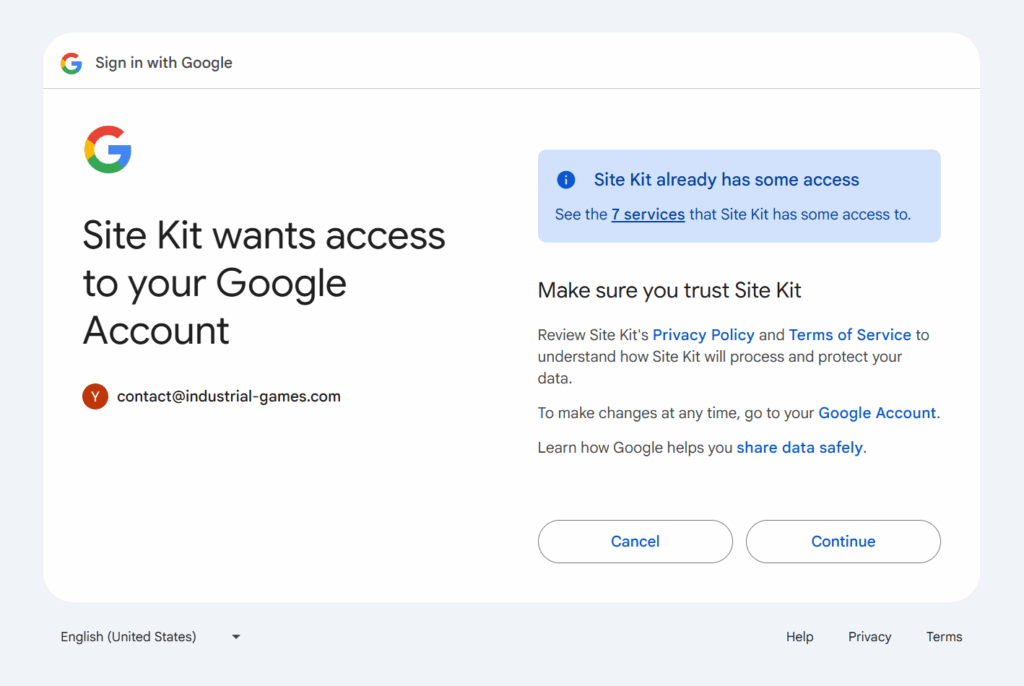
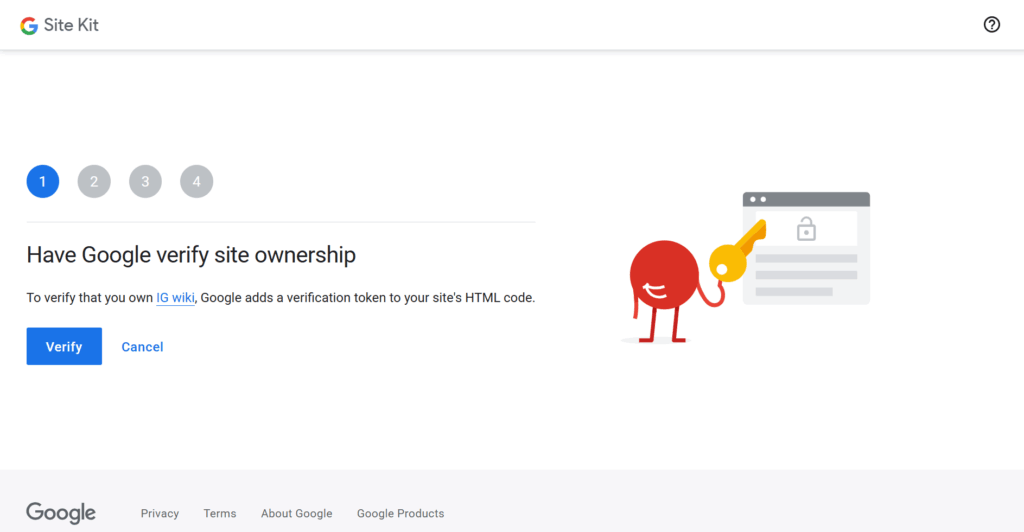
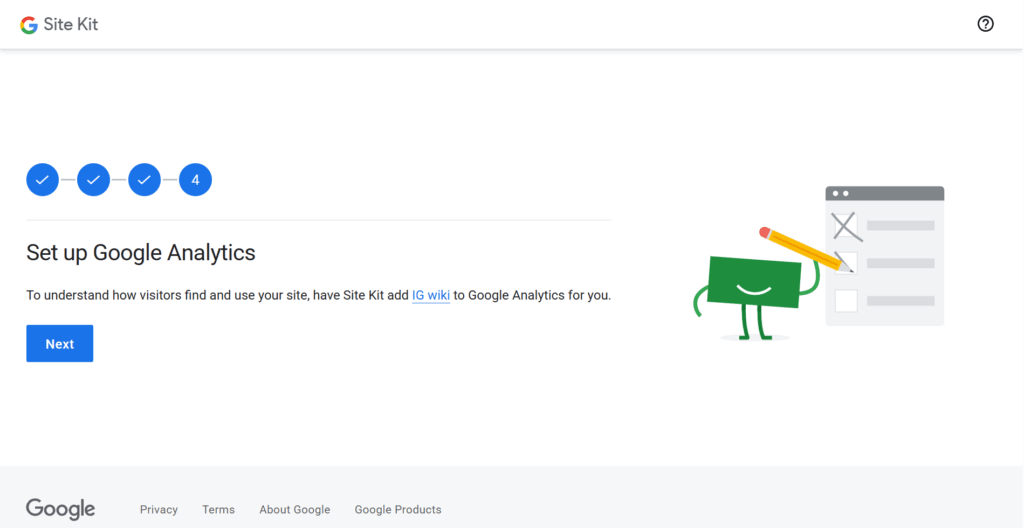
After Setting up Google Site Kit, you connect WordPress to other Google Services.
Connect WordPress to Google AdSense

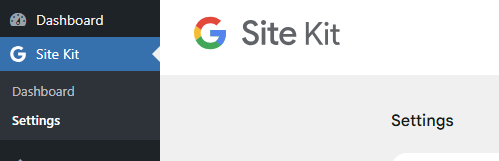
With Google Site Kit, you can connect to Google AdSense from the WordPress dashboard by going to Site Kit > Settings.
https://support.google.com/adsense/answer/7584263?hl=en

Connect WordPress to Google Search Console
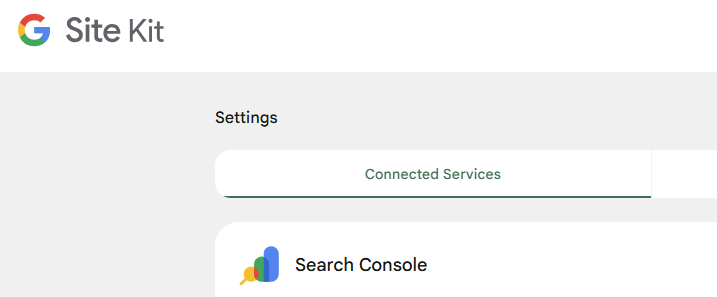
Search Console is a Google tool that lets you view aggregated data on how your site appears in Google search results. You can connect to Google Search Console using Google Site Kit.
https://support.google.com/webmasters/answer/9128668
https://sitekit.withgoogle.com/documentation/supported-services/search-console
Conclusion
Google Site Kit is Google’s official tool for connecting WordPress with Google services.
It’s an essential WordPress plugin for SEO, so install it to link your WordPress site with Google.